
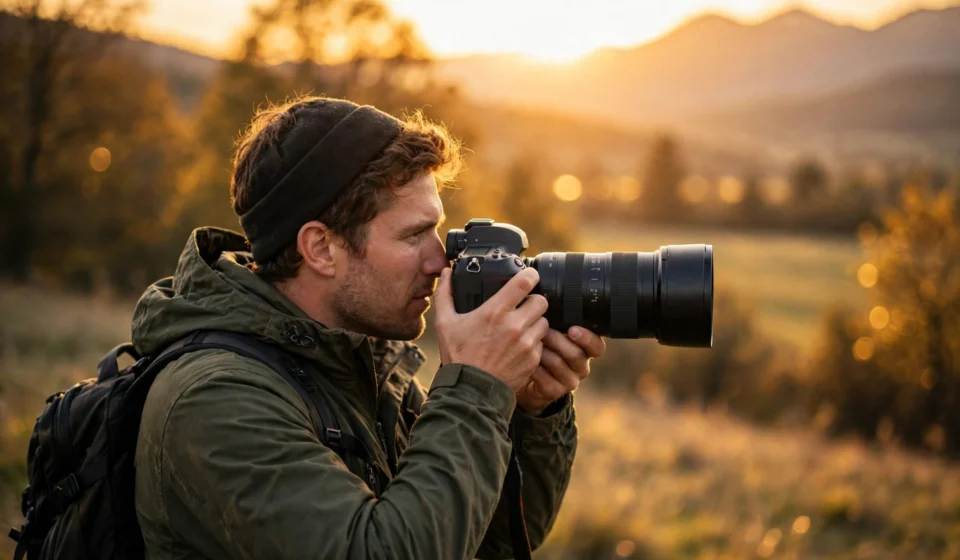

A photography blog gives your images a home of their own. Instead of letting your best shots disappear into a social media feed, you can publish them on a site you fully control — one that builds your audience, showcases your style, and can even earn you money over time. Whether you shoot portraits, landscapes, street scenes, or weddings, a blog turns your photography from a hobby into a visible body of work.
The good news is that starting a photography blog no longer requires technical skills. Modern blogging platforms handle the hard parts, so you can focus on what you do best: taking great photos and telling the stories behind them. This guide walks you through every step, from choosing your niche to publishing your first gallery and growing your readership.
Why Start a Photography Blog?
Social media is great for quick likes, but it is a rented space. Algorithms decide who sees your work, and yesterday’s post is gone by tomorrow. A blog is different. Every article you publish stays searchable and keeps working for you for years. Photographers use blogs to attract clients, sell prints, build an email list, and establish themselves as experts in their niche.
A blog also changes how you shoot. When you know you will write about a session or a trip, you start noticing the details that make a story: the light at the end of the day, the expression between poses, the behind-the-scenes moments. Writing about your process makes you a more intentional photographer.
Step 1: Define Your Photography Niche
Before you buy a domain or pick a theme, decide what your blog will be about. A focused niche makes it easier to attract the right audience and rank in search results. “Photography” alone is too broad — everyone is competing for it. Narrow it down to something you genuinely enjoy shooting.
Popular photography blog niches
- Portrait photography — posing guides, lighting setups, and client session stories.
- Landscape and travel photography — location guides, gear for hiking, and sunrise or sunset techniques.
- Wedding photography — real wedding features, planning tips, and vendor spotlights.
- Street photography — city guides, candid shooting ethics, and camera settings for fast moments.
- Food photography — styling, natural light tricks, and editing workflows.
- Beginner tutorials — camera basics explained simply for people who just bought their first camera.
Pick one primary niche and let the others support it. You can always expand later, but a clear starting focus helps readers understand what your blog is about within seconds.
Step 2: Choose a Blogging Platform
Your platform is the foundation of your blog, and the choice you make now affects everything later. Free platforms like Blogger or Tumblr are easy to start, but they limit your design options, your ability to monetize, and — most importantly — your ownership of the site. You can lose years of work if the platform changes its rules.
Most serious photography bloggers use self-hosted WordPress. It is free, open-source software that you install on your own hosting account, which means you own your content outright. You get access to thousands of themes and plugins, full control over your site’s design, and no restrictions on how you earn money from it.
If you are new to WordPress, follow this detailed step-by-step guide to starting a WordPress blog. It covers the full setup process for beginners.
What you need to get started
- A domain name — your blog’s address on the web. Keep it short, memorable, and related to photography. Your name plus “photography” is a classic that never goes out of style.
- Web hosting — the service that stores your blog’s files and makes it available online. Look for a host that offers one-click WordPress installation and good speed, since image-heavy sites need fast loading times.
- An SSL certificate — this gives your site the “https” prefix and the padlock icon. Most good hosts include it for free, and it builds trust with visitors.
Step 3: Pick a Design That Shows Off Your Photos
For a photography blog, design matters more than for almost any other niche. Your photos are the product, so your theme should frame them, not fight them. Look for a WordPress theme built specifically for photographers or portfolios.
- Large image areas — your theme should display photos at generous sizes without awkward cropping.
- Clean, minimal layouts — white space around your images makes them stand out. Avoid busy themes with cluttered sidebars.
- Fast loading — heavy themes slow down image-heavy sites. Test any theme’s demo on a speed checker before committing.
- Mobile responsive — a large share of your visitors will browse on phones, so your galleries must look great on small screens.
- Gallery and slider support — built-in gallery layouts, lightboxes, and before/after sliders save you from installing extra plugins.
Once your theme is active, customize the basics: upload your logo or site title, set your brand colors, and create a simple navigation menu with Home, Portfolio, Blog, About, and Contact. Resist the urge to over-design. Your photos should be the star of every page.
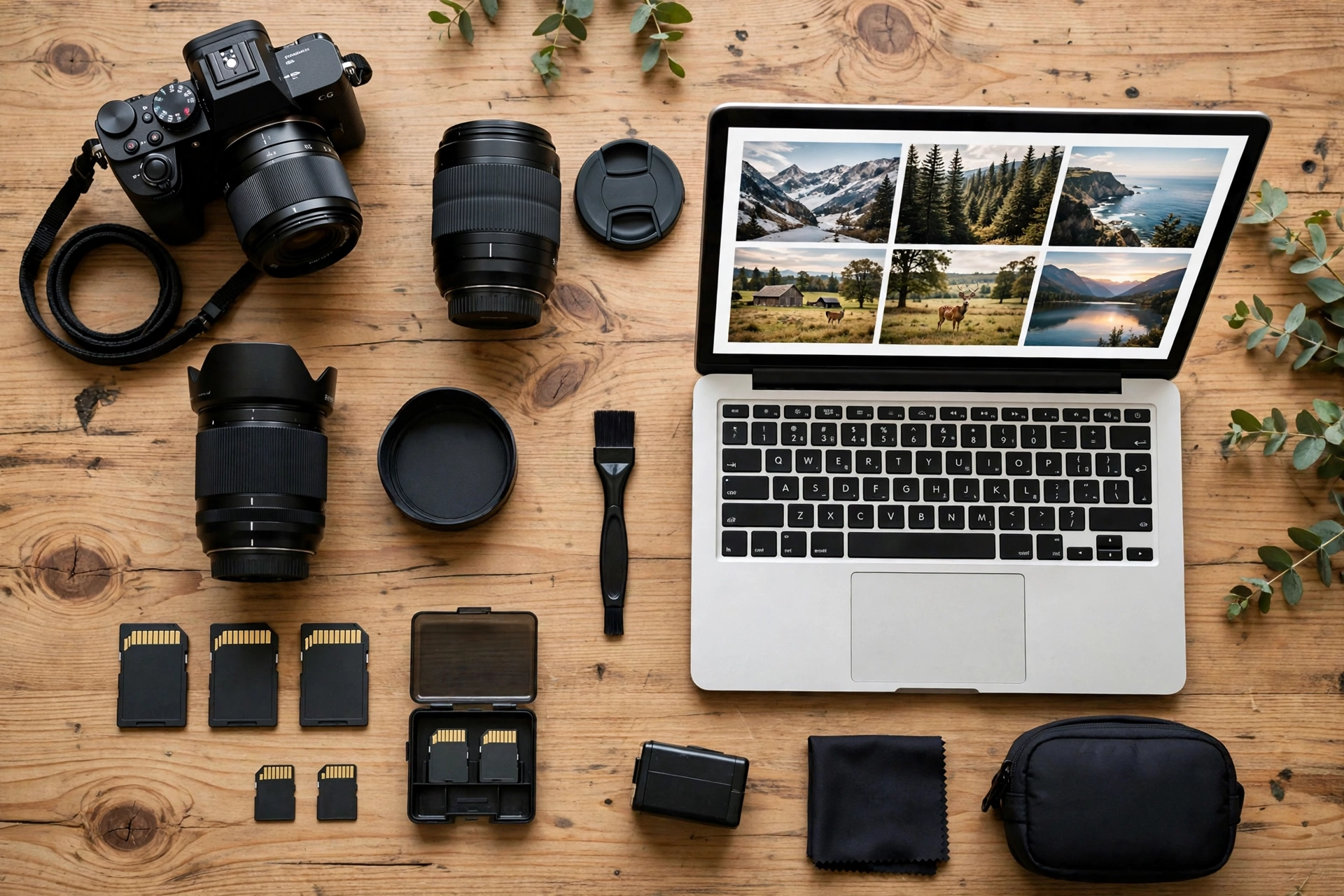
Step 4: Create Essential Pages and Publish Your First Posts
Before you announce your blog, set up the core pages every photography site needs. An About page tells your story and shows your face — clients hire photographers they feel they know. A Portfolio page displays your strongest work organized by category. A Contact page with a simple form makes it easy for clients to reach you. A Services or Pricing page answers the “how much” question if you take on paid work.
Then write your first few blog posts. Good starter topics include:
- Your photography journey — how you got started and what you love shooting.
- A behind-the-scenes look at a recent shoot, with the final images and the story behind them.
- A beginner tutorial in your niche, like “How I use natural light for indoor portraits.”
- A gear post about the camera and lenses you actually use and why.
- A location guide for photographers visiting your city or region.
Aim for a mix of storytelling posts (which build connection) and tutorial posts (which attract search traffic). Tutorials tend to rank well on Google and bring in steady new readers long after publication.
Step 5: Optimize Your Images for the Web
Photography blogs live and die by image quality and loading speed. Huge, uncompressed files make your site slow, and slow sites lose visitors and search rankings. The trick is finding the balance between beautiful images and fast pages.
Image optimization basics
- Resize before uploading — there is no need to upload 40-megapixel originals. Resize images to the maximum display width of your theme.
- Use the right format — modern formats like WebP give you smaller file sizes at the same quality as JPEG.
- Compress smartly — image optimization plugins can shrink file sizes automatically without visible quality loss.
- Enable lazy loading — this loads images only when the visitor scrolls to them, which makes initial page loads much faster.
- Write descriptive file names and alt text — “golden-hour-portrait-central-park.jpg” helps search engines understand your images far better than “IMG_4521.jpg.”
Step 6: Promote Your Photography Blog
Publishing is only half the job. New blogs need active promotion to get their first readers. Start with the channels where photography audiences already hang out.
- Pinterest — a visual search engine that drives long-term traffic to photography blogs. Pin every post with an attractive vertical image.
- Instagram — share your best shots and use your bio link to send followers to full blog posts and tutorials.
- Photography communities — forums and groups are great places to share tutorials and get feedback, as long as you contribute genuinely rather than just dropping links.
- Guest posting — writing tutorials for established photography sites puts your name in front of their audience and earns you valuable backlinks.
- Email newsletter — add a signup form early. An email list is the one audience channel no algorithm can take away from you.
- SEO — research the phrases your audience searches for and write posts that answer them. Tutorial and gear-review content performs especially well.
Step 7: Monetize Your Photography Blog (Optional)
Once you have steady traffic, your blog can start earning. Popular monetization methods for photography bloggers include client bookings from your portfolio pages, selling prints or digital downloads, affiliate links to camera gear you recommend, display advertising, sponsored posts from photography brands, and selling your own presets, courses, or ebooks. Start with one or two methods that fit your audience rather than trying everything at once.
Photography Blogging Mistakes to Avoid
- Posting inconsistently — long silences kill momentum. A realistic schedule you can keep beats an ambitious one you abandon.
- Ignoring image SEO — skipping alt text and descriptive file names leaves free search traffic on the table.
- Writing only about gear — gear posts attract traffic, but storytelling and tutorials build a loyal audience.
- Using a free platform long-term — it is fine for testing the waters, but migrate to self-hosted WordPress before you invest serious effort.
- Forgetting a call to action — every post should guide the reader somewhere: your portfolio, your newsletter, or a related article.
Frequently Asked Questions
Do I need an expensive camera to start a photography blog?
No. Many successful photography bloggers started with entry-level cameras or even phones. What matters is the quality of your images and the value of your writing. Upgrade your gear when your skills — and your income — justify it.
How often should I publish new posts?
Consistency matters more than frequency. One well-crafted post per week is a solid pace for most bloggers. Photography posts take time because of shooting and editing, so choose a schedule you can sustain for a year, not a month.
Can I use other people’s photos on my photography blog?
Only with permission or a proper license. Never pull images from a Google search — that is copyright infringement. Use your own photos, buy stock licenses, or use reputable free stock sites and credit the photographer as required.
Should I start a blog or just post on social media?
Do both, but make the blog your home base. Social media is excellent for discovery, but you do not own your audience there. If you are still weighing the two options, read our comparison of blog vs website to decide which format fits your goals.
Final Thoughts
Starting a photography blog is a project that rewards patience. The first months are about building the habit: shoot regularly, publish consistently, and learn what your audience responds to. Over time, your archive becomes an asset that attracts clients, readers, and opportunities while you sleep. Pick your niche, set up your site, and publish that first post — your future audience is waiting to discover your work.



[…] tutorials and behind-the-scenes stories — which is exactly the approach described in our guide on how to start a photography blog. If you use WordPress, adding a blog section to an existing website takes only a few […]